
Two screen layouts. One campaign to manage.
Promoting the same product on a portrait entrance display and a landscape counter screen? Headquarters and store teams can manage both layouts in one DRMN campaign. This article explains which settings are shared and which artwork still needs preparing separately.
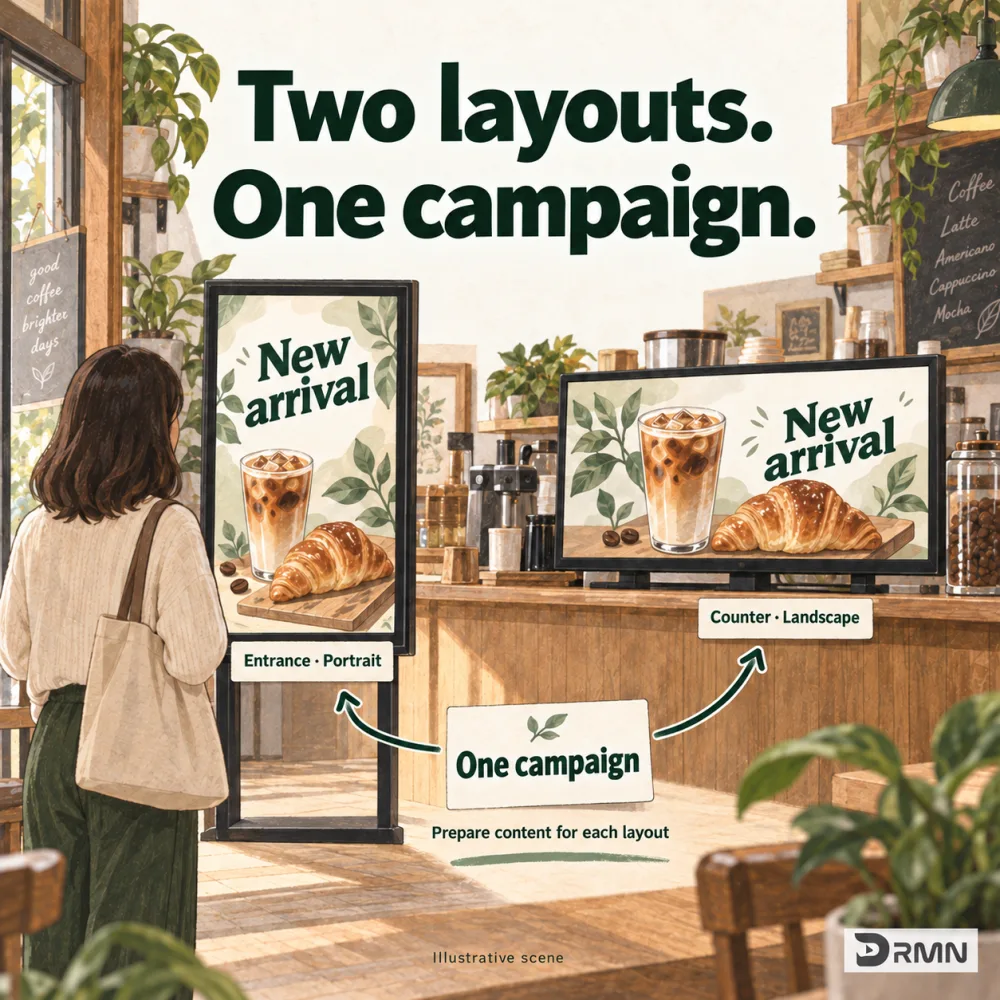
Do two screen orientations need two campaigns?
Your portrait entrance display and landscape counter screen promote the same new product. Separate campaigns mean changing dates, targets or removal twice. DRMN keeps both content versions in one campaign for easier scheduling management.
How do you prepare the two content layouts?
Landscape and portrait media are prepared separately. Choose separate landscape and portrait scheduling, then arrange each version’s items. The system selects a version using the screen’s configured orientation. It does not automatically crop one design into the other.
| What changes | Handled within one campaign |
|---|---|
| Landscape and portrait content | Prepared separately, ordered separately |
| Campaign dates and locations | Shared campaign settings |
| Rescheduling or removal | Manage the same campaign centrally |
Do date changes and removal need to happen twice?
Campaign dates and target locations are shared. Rescheduling or removing the campaign does not require finding a second copy and repeating the change. Review each layout and its target screens before publication.
Put it into practice
- Prepare landscape and portrait media.
- Select separate landscape and portrait scheduling, and order each version’s content.
- Choose locations or screens, review layouts and media, then confirm publication.
What to check first
Media must be prepared separately; the system does not generate the other layout. If a matching version is missing, fallback content may play with letterboxing. Full-screen coverage is not guaranteed. Updates require connection, sync and download.
Common questions
Do I need separate versions for a single layout?
No. Keep the same-content-for-all-screens option. Separate versions only when you need them.
What if I provide only landscape media?
Fallback content may play with letterboxing. The system does not create portrait artwork automatically. Review the result before publishing.
Who is this useful for?
Store and headquarters schedulers managing both entrance and counter displays, and marketing teams receiving artwork in two sizes.
Could this help your store?
Tell us how you want to use your screens.
Explore early access