
Different daily promotions. Less daily switching.
If your store promotes different products on different days, plan weekdays, opening hours and campaign dates in DRMN instead of changing screens each day. Breakfast and afternoon-offer examples show what to arrange in advance and what to check when a short campaign overlaps regular content.
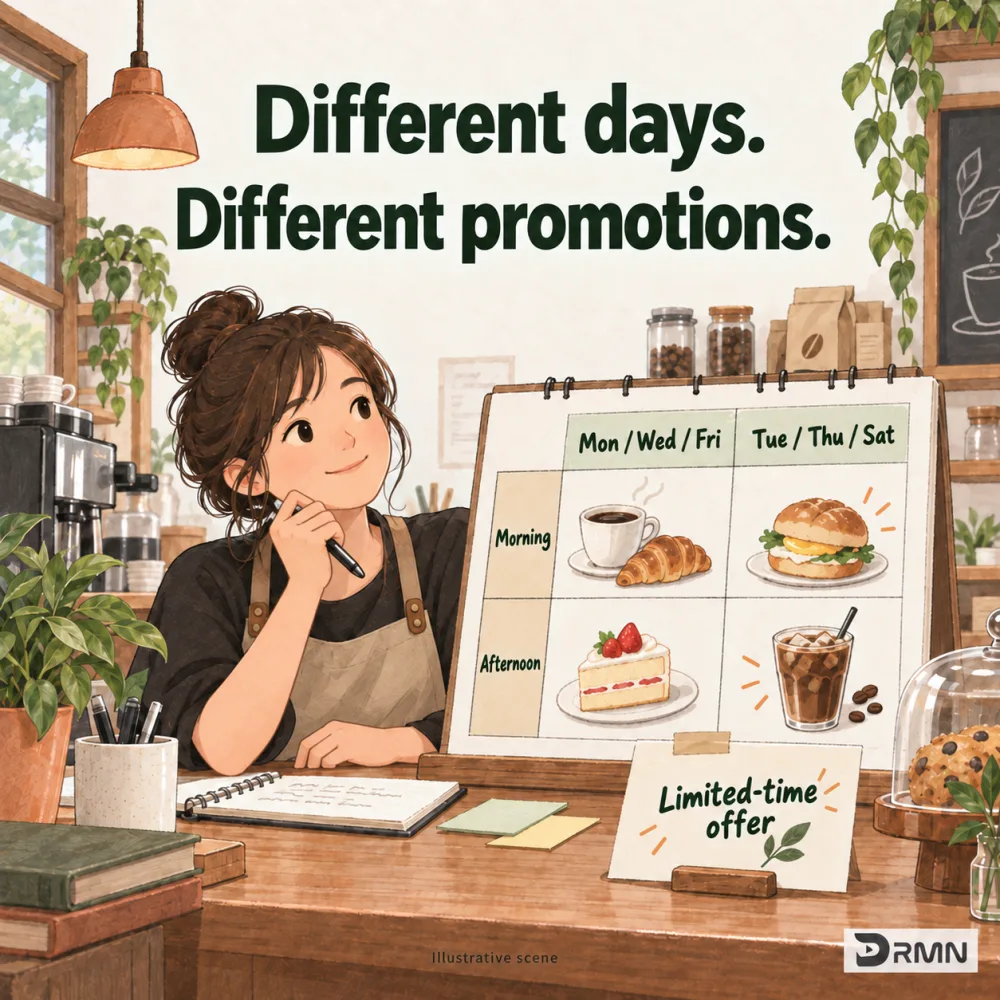
Do different daily offers mean daily screen changes?
Breakfast on Monday, a new lunch item on Tuesday, and an afternoon offer later in the day. Manually changing the screen each time adds another task during a busy shift. DRMN lets you arrange weekdays, time windows and campaign dates ahead of time.
How do you plan content around store hours?
Separate the questions: which days, what times, and which content? The example below illustrates an operating routine. It does not mean each time window can contain only one item.
| When | What to promote |
|---|---|
| Mon, Wed, Fri · morning | Breakfast combo |
| Tue, Thu, Sat · morning | New light meal |
| Afternoons when the store is open | Afternoon offer |
| Selected campaign dates | Add the offer and check how it plays alongside regular content |
Does a limited offer replace the regular content?
Set a start and end date for a limited promotion. If it overlaps everyday content, check how the campaigns take turns, or whether a notice should play first. DRMN Store plays complete playlists. DRMN Ads also lets different campaigns take turns playing one item per loop. Changing dates alone does not make a new campaign replace existing content.
Put it into practice
- Prepare the images or videos for each time window.
- Choose campaign dates, weekdays, time windows and target locations or screens.
- Review the content, timing and scope, then confirm publication.
What to check first
Screens need to connect, sync and complete required downloads before updates apply. Supported, authorized AI tools can also help organize your request; you review and confirm publication. AI does not independently decide everything shown.
Common questions
Can weekends have a different schedule?
Yes. Arrange weekdays, weekends or specific days separately, taking each store’s opening hours into account.
What plays after a limited campaign ends?
Playback continues with campaigns still scheduled at that time, using the store’s playback order and frequency settings. Check overlapping campaigns before publishing.
Could this help your store?
Tell us how you want to use your screens.
Explore early access