
Prioritize a notice without rebuilding your schedule.
A temporary service change should not require removing and restoring your regular campaigns. Schedule a separate notice for the affected stores and hours in DRMN. This article explains what happens when it ends and why you should check player connectivity before publishing.
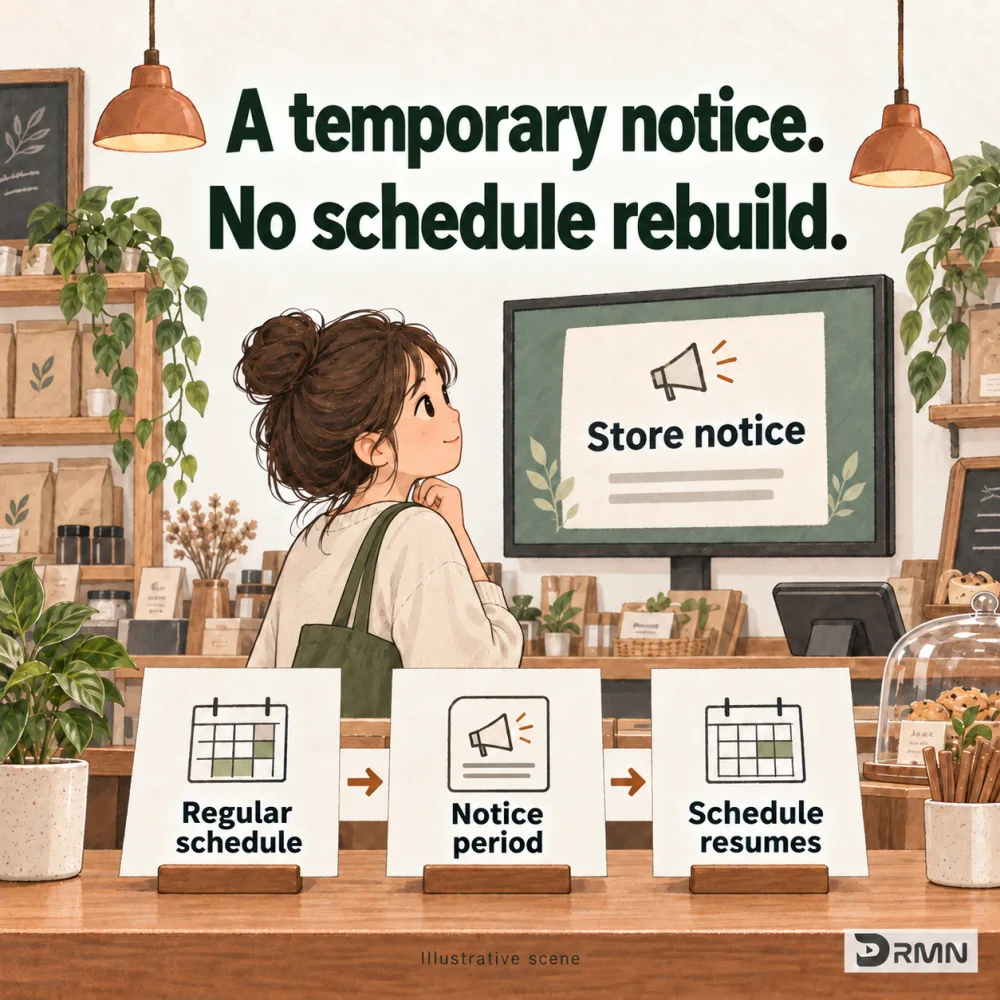
Why does a notice not need a rebuilt schedule?
A temporary service change can mean removing content, adding a notice and remembering to restore the schedule later. A priority notice is arranged separately, so a short change does not require rebuilding the whole campaign.
Can a notice target just one store and time window?
For example, the Xinyi store pauses dine-in service on Saturday from 11:00 to 12:00 while takeaway remains open. Target that store and notice period. Other locations keep their own arrangements.
| Stage | Illustrative arrangement |
|---|---|
| Before the notice | Play the applicable regular campaigns |
| Saturday 11:00–12:00 | Prioritize the Xinyi service notice |
| After the notice | Continue with the currently applicable rules |
What plays when the notice ends?
When the notice ends, playback follows the campaigns and rules that are valid at that time. This reduces manual restoration work. It does not restore an expired campaign or a fixed position in an old playlist.
Put it into practice
- Prepare a short, clear notice.
- Choose the affected locations or screens and the start and end times.
- Review the scope and timing, then confirm publication.
What to check first
Players need to connect, sync and download required media before the notice applies. This is not a guaranteed instant emergency broadcast to every screen. Check target screens’ connection status before publishing.
Common questions
Do I need to delete the original campaign?
No. The notice has its own target and time period.
Can I notify only one store?
Yes. Select the affected location or individual screens, and review the scope before publishing.
Does regular playback resume automatically?
Playback follows the rules that apply at that time, without manually putting an old campaign back.
Could this help your store?
Tell us how you want to use your screens.
Explore early access